source от Apple
iOS 14+ для реализации всех фич.
В iOS 13 ввели diffable data source.
В iOS 14 появился compositional layout, реализующий все возможности таблиц и улучшающий коллекции.
Горизонтальный скролл Удобно конфигурировать state. highlighted/selected/disabled Collapsible/Expandable Sections Секции с разным layout. inset grouped, sidebar (iPad-related), horizontal scroll, columns. Data-driven работает через… RxDataSources? DifferenceKit? Native!
Собираем NSDiffableDataSourceSnapshot, применяем.
1
2
3
4
var snapshot = NSDiffableDataSourceSnapshot<Section, Int >()
snapshot.appendSections([.main])
snapshot.appendItems(Array (0. .<94 ))
dataSource.apply(snapshot, animatingDifferences: false )
Data source — конфигурация с cellRegistration
 1
 2
 3
 4
 5
 6
 7
 8
 9
10
11
12
13
14
let cellRegistration = UICollectionView.CellRegistration<TextCell, Int > { (cell, indexPath, identifier) in
// Populate the cell with our item description.
cell.label.text = " \( identifier) "
}
dataSource = UICollectionViewDiffableDataSource<Section, Int >(
collectionView: collectionView
) { (
collectionView: UICollectionView,
indexPath: IndexPath,
identifier: Int
) -> UICollectionViewCell? in
// Return the cell.
return collectionView.dequeueConfiguredReusableCell(using: cellRegistration, for : indexPath, item: identifier)
}
Есть одна проблемка с native data source. Он постоянно будет удалять и затем добавлять новую ячейку, не делая reload данных на месте (тут говорят ).
DifferenceKit позволяет это делать, поддерживает перезагрузку. Бенчмарки этой либы говорят, что она самая быстрая среди всех похожих либ. Хорошая либа
Но для использования с новым API cellRegistration нужно использовать native Data source
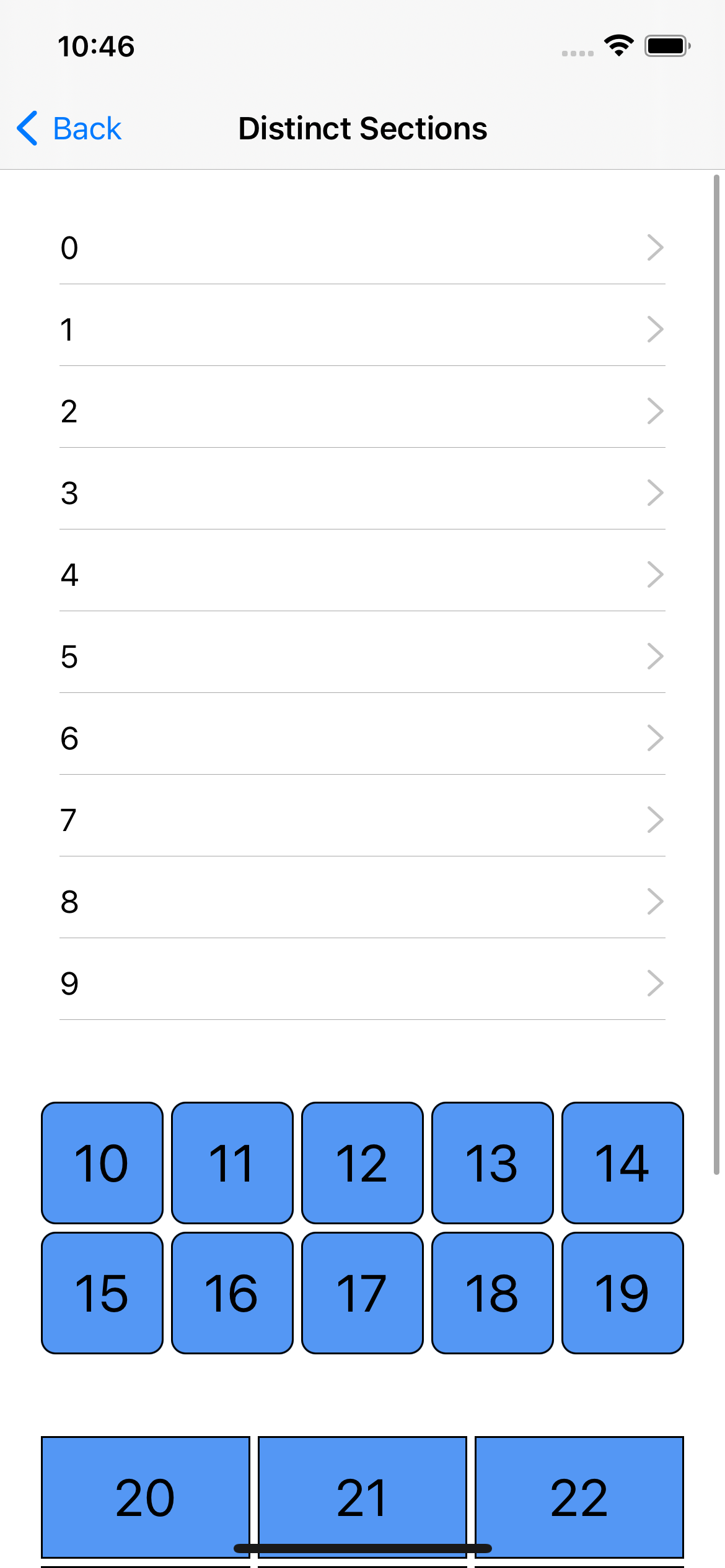
DistinctSectionsViewController как пример разных layout для разных секций.
 1
 2
 3
 4
 5
 6
 7
 8
 9
10
11
12
13
14
15
16
17
18
19
20
21
22
23
24
25
26
27
28
29
30
31
32
let layout = UICollectionViewCompositionalLayout { (
sectionIndex: Int ,
layoutEnvironment: NSCollectionLayoutEnvironment
) -> NSCollectionLayoutSection? in
guard let sectionLayoutKind = SectionLayoutKind(rawValue: sectionIndex) else { return nil }
let columns = sectionLayoutKind.columnCount
// The group auto-calculates the actual item width to make
// the requested number of columns fit, so this widthDimension is ignored.
let itemSize = NSCollectionLayoutSize(
widthDimension: .fractionalWidth(1.0 ),
heightDimension: .fractionalHeight(1.0 )
)
let item = NSCollectionLayoutItem(layoutSize: itemSize)
item.contentInsets = NSDirectionalEdgeInsets(top: 2 , leading: 2 , bottom: 2 , trailing: 2 )
let groupHeight = columns == 1 ?
NSCollectionLayoutDimension.absolute(44 ) :
NSCollectionLayoutDimension.fractionalWidth(0.2 )
// Element height takes 20% of section width
let groupSize = NSCollectionLayoutSize(
widthDimension: .fractionalWidth(1.0 ),
heightDimension: groupHeight
)
let group = NSCollectionLayoutGroup.horizontal(layoutSize: groupSize, subitem: item, count: columns)
let section = NSCollectionLayoutSection(group: group)
section.contentInsets = NSDirectionalEdgeInsets(top: 20 , leading: 20 , bottom: 20 , trailing: 20 )
section.contentInsetsReference = .readableContent
return section
}
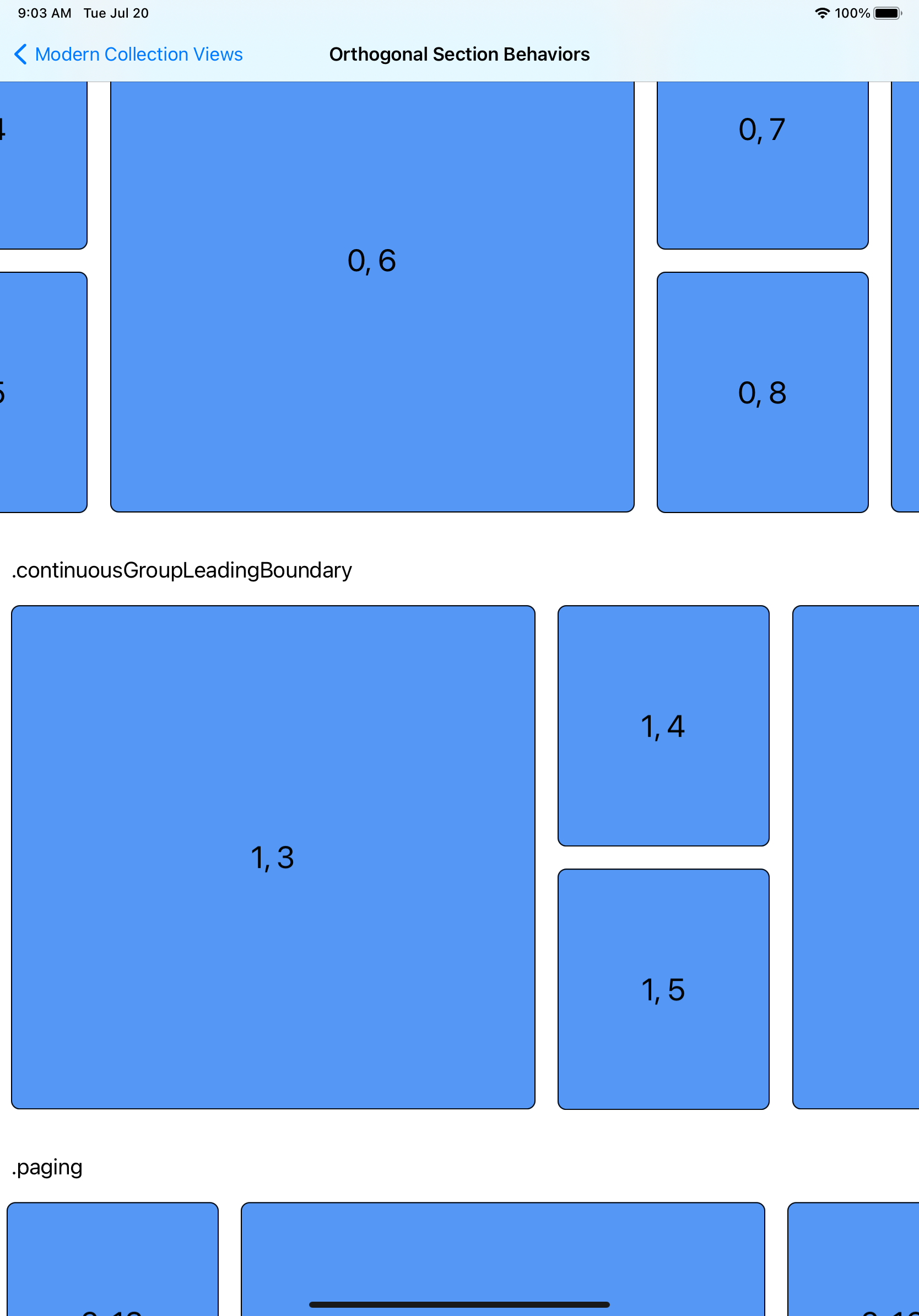
Layout Environment с размерами и трейтами позволит менять layout. Например, в несколько колонок на айпад. Пример — AdaptiveSectionsViewControllerОтношение к отступам от родных layout margins/readable guide. Настройка у NSCollectionLayoutSectionПоведение скролла можно контролировать у секции. Например, с остановкой у leading границы элемента. OrthogonalScrollBehaviorViewControllerУ UICollectionViewCell можно по новой управлять свойствами.
contentConfiguration настраивает контент (текст, accessory
List Cell для Expandable/Collapsible sections. Позволяет изменять indentation (отступ слева)
UICollectionViewListCell
Изи!
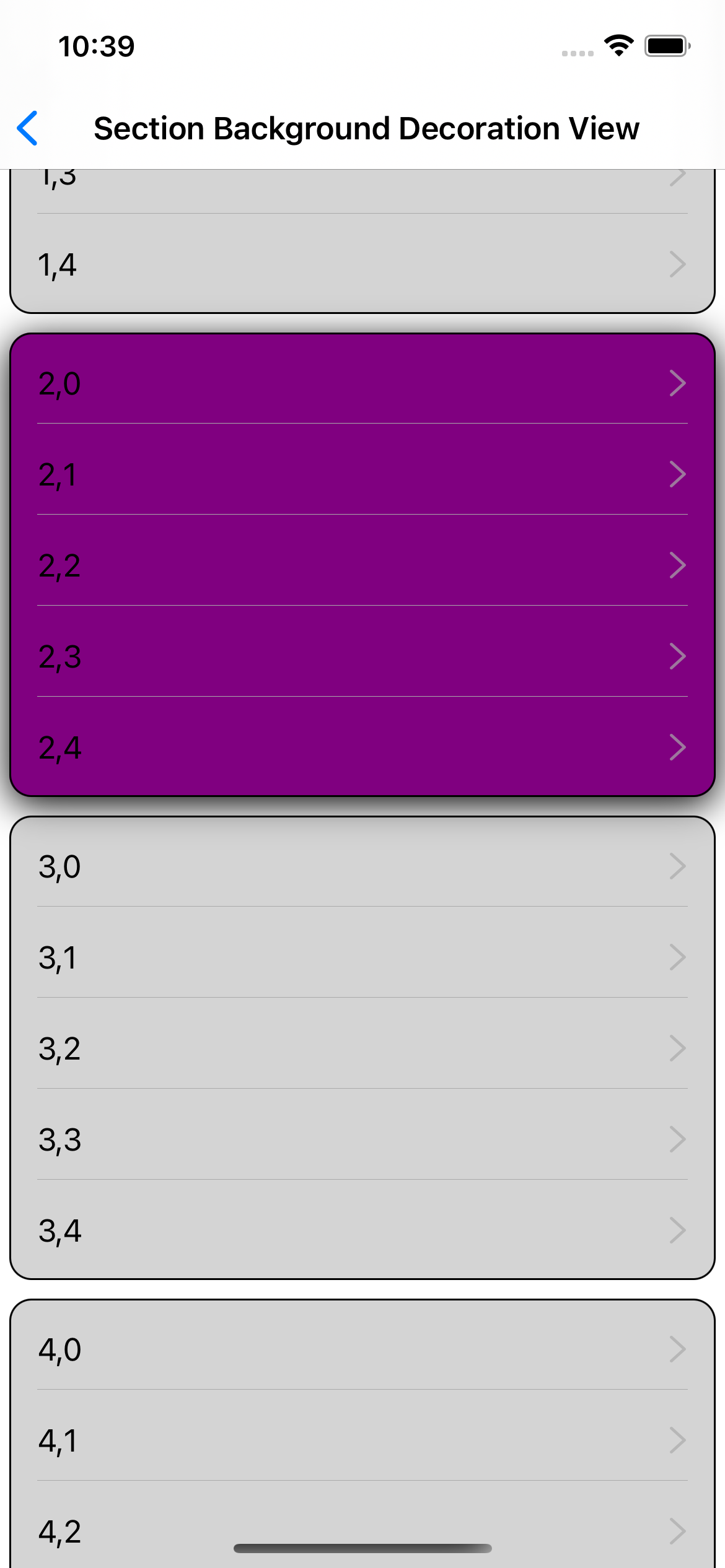
SectionBackgroundDecorationView в примере.
Изи!
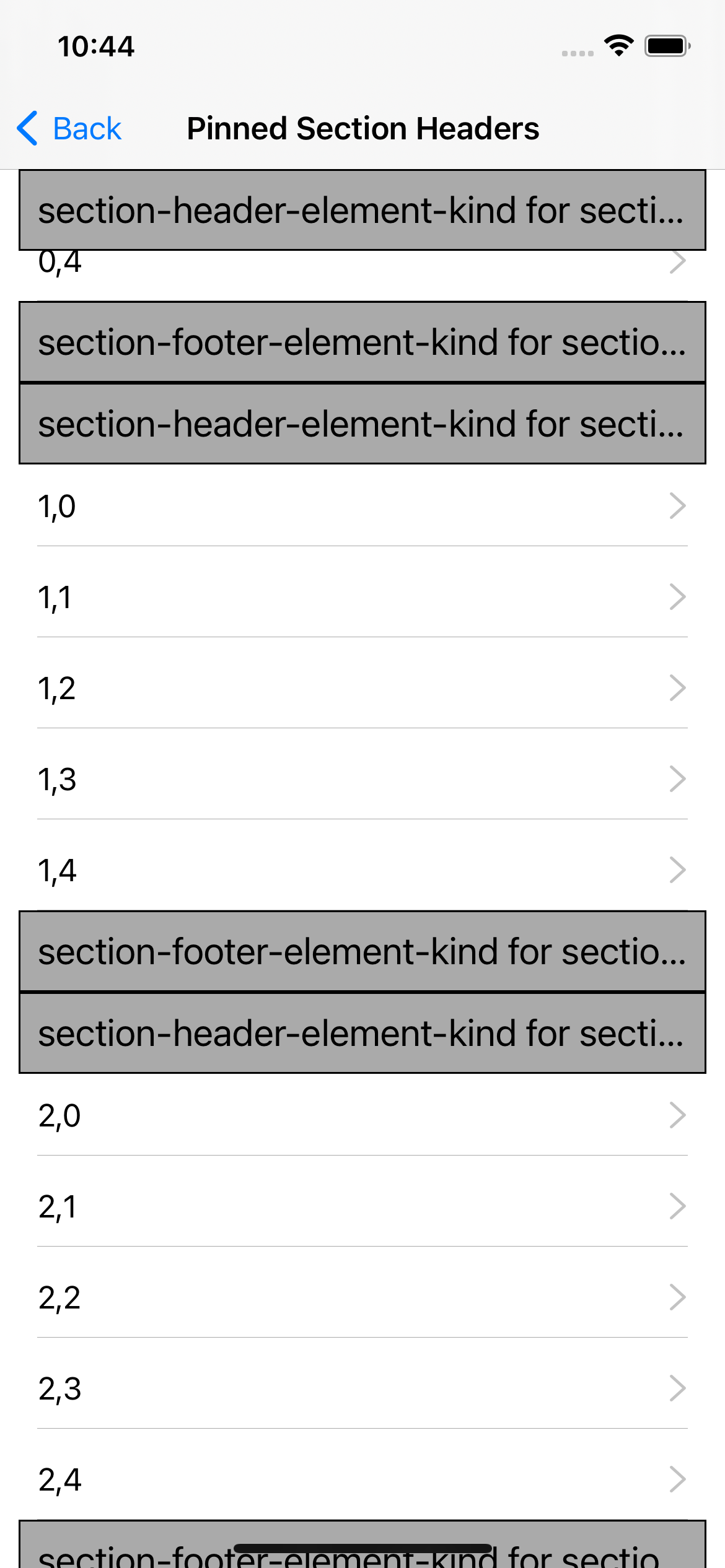
PinnedSectionHeaderFooterViewController в примере.
OrthogonalScrollBehaviorViewController в примере